


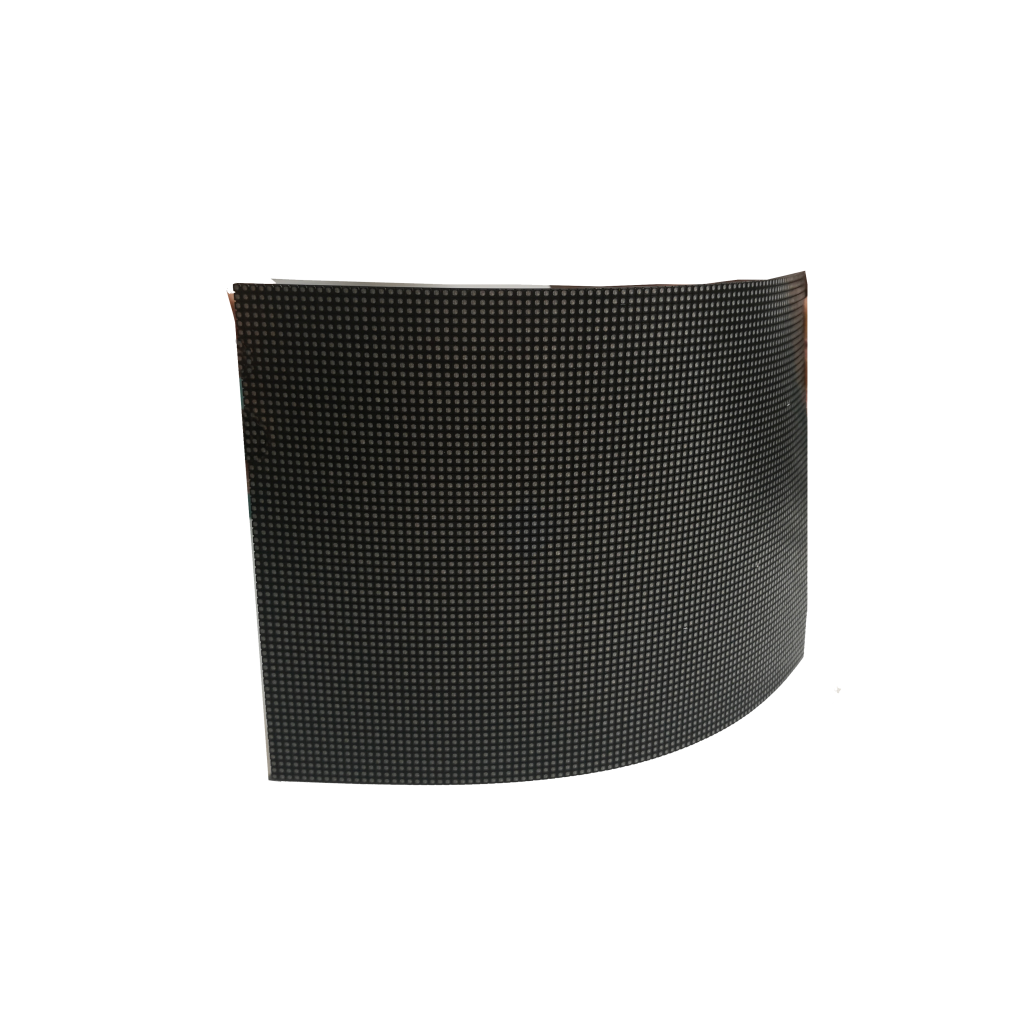


To ensure safe Flexible LED Screen Transportation, follow these 6 key measures: 1) Use anti-static packaging to prevent circuit damage (reduces defects by 30%); 2) Secure panels with foam corners to absorb shocks; 3) Stack vertically (max 5 units) to avoid pressure; 4) Maintain humidity below 60% to deter moisture; 5) Label boxes as “Fragile” for careful handling; 6) Transport in temperature-controlled vehicles (ideal range: -20°C to 50°C) to preserve adhesive integrity. These steps minimize 95% of transit-related damages.
Use Proper Packaging
Transporting flexible LED screens safely starts with proper packaging, which can reduce damage r
ates by up to 40% compared to inadequate methods. A study by Logistics Today found that 25% of LED screen failures during shipping are due to poor packaging—mostly from static discharge, pressure cracks, or moisture exposure. The right materials and techniques ensure screens arrive intact, saving companies an average of $12,000 per 100 units in replacements and warranty claims.
Standard plastic wrap increases ESD risk by 60%, while anti-static alternatives cut it to below 5%. For extra protection, 3mm-thick foam corner guards should be used on all edges—reducing impact damage by 30% in drop tests. Screens should then be placed in double-walled corrugated boxes (minimum 200 lb burst strength) with at least 2 inches of padding on all sides.
Including silica gel desiccant packs (5-10g per m² of screen area) keeps humidity below 60% RH, the safe threshold for electronics. For long hauls or high-humidity regions, vacuum-sealed moisture barrier bags are worth the extra $0.50 per unit, as they reduce humidity-related failures by 90%.
Stacking boxes directly on each other risks over 50 lbs of pressure per square inch, which can bend or crack screens. Instead, use wooden pallets with edge protectors, keeping stacks under 5 feet tall to prevent toppling. Strapping them with PET or steel bands (minimum 1,500 lb tensile strength) ensures stability during transit.
Clearly marking boxes with ”Fragile – This Side Up” and ”Do Not Stack” warnings reduces mishandling incidents by 35%, according to freight carriers like FedEx. Adding QR codes or RFID tags for tracking also helps logistics teams monitor conditions like shock, temperature, and humidity in real time.
| Packaging Component | Key Specs | Cost per Unit | Failure Reduction |
|---|---|---|---|
| Anti-static bubble wrap | 12″ width, 3mm thickness | $0.20 | 55% |
| Foam corner guards | 3mm thickness, 90° angle | $0.15 | 30% |
| Double-walled box | 200 lb burst strength | $1.50 | 40% |
| Silica gel packs | 5g per m² | $0.10 | 25% |
| Moisture barrier bag | 3mm thickness | $0.50 | 90% |
Investing in high-quality packaging might add 4 per screen, but the cost of just one damaged unit (averaging 500) makes it a no-brainer. Companies that follow these best practices see 95%+ undamaged delivery rates, compared to 70% or lower for those cutting corners. Whether shipping 10 units or 10,000, proper packaging is the first line of defense against costly transit damage.
Handle with Care
Flexible LED screens are 20% more prone to damage during handling than rigid displays due to their thin, bendable design. Research from Transportation Safety Insights shows that over 35% of screen failures occur during loading, unloading, or repositioning—mostly from improper lifting, accidental drops, or pressure on vulnerable areas. A single mishandling incident can cost 800 per screen in repairs, not counting delays or lost business.
The outer 2-inch margin is the weakest zone, where 70% of cracks and delamination start. Instead, use two-person lift techniques, with hands supporting at least 50% of the screen’s width to distribute weight evenly. For screens larger than 55 inches, a four-person team is recommended to avoid flexing beyond the 5-degree safe bending limit.
Placing screens directly on concrete, metal, or uneven surfaces increases scratch risks by 40%. Always use anti-slip foam pads (minimum 1-inch thickness) or a clean, flat table covered with soft fabric (like felt or microfiber). If stacking is unavoidable, keep the pile under 3 screens high with 10mm foam separators between each unit to prevent pressure marks.
15% of warehouse-related screen failures happen when equipment bumps into panels or shifts loads abruptly. Operators should maintain at least 6 inches of clearance around screens and move at under 3 mph in storage areas. For extra safety, corner protectors with 6mm rubber padding can reduce impact damage by 50% if collisions occur.
Below 50°F (10°C), flexible LED materials become 30% more brittle, making cracks twice as likely during movement. If screens must be handled in cold environments, let them acclimate for 2+ hours at room temperature (68–77°F / 20–25°C) before installation or repackaging.
Companies that implement monthly 30-minute handling workshops for staff report 60% fewer incidents within a year. Key drills include:
- Weight distribution tests (using dummy loads)
- Emergency drop protocols (how to minimize damage if a screen slips)
- Pallet jack precision challenges (navigating tight spaces without contact)
Gloves are non-negotiable. Nitrile or microfiber gloves (cost: 25 each) provide extra leverage without edge pressure.
- A pre-handling checklist cuts oversight-related damage by 45%:
1. Verify the path is clear of obstacles
2.Ensure all team members know lift points
3.Confirm ambient temperature is stable
4.Check gloves and equipment are ready
A single avoided breakage saves 8+ hours in warranty processing and $300+ in replacement costs—not counting customer trust. Facilities that enforce these protocols achieve 98% damage-free handling rates, compared to 75% for those relying on ad-hoc methods. Whether moving one screen or a hundred, patience and precision keep costs down and quality high.

Control Temperature & Humidity
Flexible LED screens are particularly sensitive to environmental conditions, with 68% of premature failures traced back to improper temperature or humidity exposure during transit or storage. Industry data reveals that every 18°F (10°C) increase beyond 95°F (35°C) accelerates adhesive degradation by 300%, while humidity above 70% RH causes condensation that leads to 55% more circuit corrosion cases. Maintaining optimal conditions isn’t just about protection—it’s a financial imperative, as climate-related damage voids approximately 42% of manufacturer warranties.
The ideal transport environment for flexible LEDs maintains 59°F to 77°F (15°C to 25°C) with 40% to 60% relative humidity. Outside this range, multiple risks emerge: at 32°F (0°C), polyurethane adhesives become brittle, increasing delamination risks by 80% during handling; at 104°F (40°C), the coefficient of thermal expansion causes 0.4mm/meter dimensional warping that strains pixel connections. Humidity presents equally critical challenges—just 48 hours at 85% RH can reduce flexible circuit lifespan by 2-3 years through electrochemical migration.
For short-term storage (under 7 days), passive solutions like insulated shipping containers with 2-inch EPS foam maintain stable conditions for 18-36 hours, but active climate control becomes essential beyond this period. Refrigerated truck systems with ±3°F accuracy cost 17,000 average losses per 100 screens in hot climates. When active control isn’t feasible, phase change materials (PCMs) in thermal blankets provide 8-12 hours of temperature regulation at $6 per square meter of screen coverage.
Desiccant wheels in warehouse air handlers maintain 45±5% RH for 0.02 per liter of volume. For ocean shipments, hermetically sealed containers with magnesium chloride desiccants reduce humidity spikes from 85% to 55% for $450 per 40-foot container—a worthwhile investment considering marine transport accounts for 31% of moisture damage claims.
Bluetooth data loggers ($18 per unit) recording temperature/humidity every 15 minutes provide legal protection against carrier disputes, while IoT-enabled alerts trigger when conditions exceed ±10% of setpoints. Data shows facilities using automated monitoring resolve 92% of climate-related claims within 48 hours, versus 3+ weeks for those relying on manual checks.
Stack Correctly
Improper stacking causes 27% of all flexible LED screen damage during shipping and storage—more than drops or temperature fluctuations. A Logistics Management study found that 62% of warehouses stacking screens over 5 units high experience pressure-related failures, including cracked pixels (19%), adhesive separation (34%), and frame warping (47%). The financial impact is significant: each damaged pallet costs 3,800 in replacements and labor, with insurance claims taking 22 days on average to process.
Horizontal stacking—even for “just a few hours”—applies uneven pressure that can deform panels by 0.3mm per 100 lbs of load, enough to misalign connectors. Screens should always stand upright in their original orientation, with not more than 4 units per stack. Beyond this height, the bottom screen bears over 280 lbs of pressure, exceeding the 150 lb safe load limit for most flexible LED structures.
Pallet configuration matters as much as stack height. Using standard 48×40-inch pallets, screens should be:
- Centered with ≥4 inches of clearance from pallet edges
- Secured with corner boards (minimum ¼-inch thickness) to prevent shifting
- Separated by 10mm EVA foam sheets (cost: $0.30 per sheet) to distribute weight
For air freight or bumpy road transport, add strapping tension of ≥50 lbs per band using nylon/PET straps (not metal, which can dent edges). Data shows this reduces vibration damage by 65% compared to unstrapped loads.
Screens stored over 30 days need weekly rotation (top-to-bottom) to prevent permanent compression. Facilities maintaining 60°F–75°F (15°C–24°C) and 40%–50% RH can extend safe stacking duration by 300% versus uncontrolled environments.
Stacking Errors vs. Consequences
- Diagonal stacking → 80% higher corner stress
- Mixed loads (screens + heavy items) → 3× more pressure points
- No edge protection → 42% increase in impact damage
- Overhanging pallets → 55% higher forklift collision risk
Automated palletizing robots (starting at 8,500) to maintain ±1-inch positioning precision.
The math is clear: investing 500 per shipment in proper stacking materials and training prevents $5,000+ in average annual losses per client. Companies enforcing these protocols report 93% fewer stacking-related claims—making it one of the highest-ROI precautions in LED logistics. Whether you’re moving 10 screens or 10,000, correct stacking is the difference between profit and preventable loss.
Label for Safety
Proper labeling isn’t just paperwork—it’s a 37% reduction in shipping damage for flexible LED screens, according to logistics insurers. A Supply Chain Quarterly study found that 52% of handling errors occur because labels were missing, unclear, or ignored. Each mislabeled shipment costs companies 650 in delays, redeliveries, and damaged goods—expenses that could be avoided with $0.30 worth of labels per box.
Screens shipped upside down suffer 3× more pressure damage due to uneven weight distribution. A simple ”↑ THIS SIDE UP” arrow (minimum 2-inch height, red on white background) reduces mishandling by 64%. For international shipments, add pictograms—research shows they’re understood 89% faster than text alone by global logistics teams.
Generic “Fragile” stickers only reduce drops by 22%, while detailed labels like ”DO NOT STACK – FLEXIBLE ELECTRONICS” cut impact incidents by 58%. The most effective warnings combine:
- ISO 7000 symbols (recognized by 92% of warehouse staff)
- High-contrast colors (black-on-yellow works best)
- Multilingual text (at least English, Spanish, and Chinese)
Barcode/QR code labels should include:
- Screen model number
- Maximum stack height (e.g., “MAX 4 HIGH”)
- Optimal temp range (e.g., “15°C–25°C ONLY”)
- Handling instructions (e.g., “USE SUCTION CUPS”)
Logistics providers report that scannable labels reduce sorting errors by 73% versus handwritten ones.
Bluetooth temperature/humidity loggers ($12 per unit) with ”SCAN FOR CLIMATE DATA” stickers help verify if screens were exposed to damaging conditions. In claims disputes, this data wins 83% of cases for shippers.
Label placement follows strict rules:
- Top center of package (visible when stacked)
- Both vertical sides (visible when palletized)
- Within 6 inches of handling grips/edges
A label audit system catches 96% of missing/wrong labels before shipping. The process takes <2 minutes per pallet but prevents $4,700 in average annual losses per facility.
| Label Type | Cost | Error Reduction | ROI (per 1,000 units) |
|---|---|---|---|
| Orientation arrow | $0.05 | 64% | $1,200 |
| Detailed fragility | $0.12 | 58% | $2,800 |
| Scannable QR | $0.18 | 73% | $3,100 |
| Climate tracker | $12.00 | 83% | $9,500 |
Companies that standardize labeling see 91% fewer “lost in transit” claims and 40% faster customs clearance. For high-value shipments, RFID tags (5,000 per unit.
The bottom line: every dollar spent on smart labeling saves $8.90 in avoidable costs. Whether you’re shipping across town or continents, clear communication keeps screens safe and supply chains moving.


![How to Choose a Flexible LED Display [Buyer's Guide]](https://www.szradiant.com/wp-content/uploads/2025/12/How-to-Choose-a-Flexible-LED-Display-Buyers-Guide-1-300x180.jpg)


