


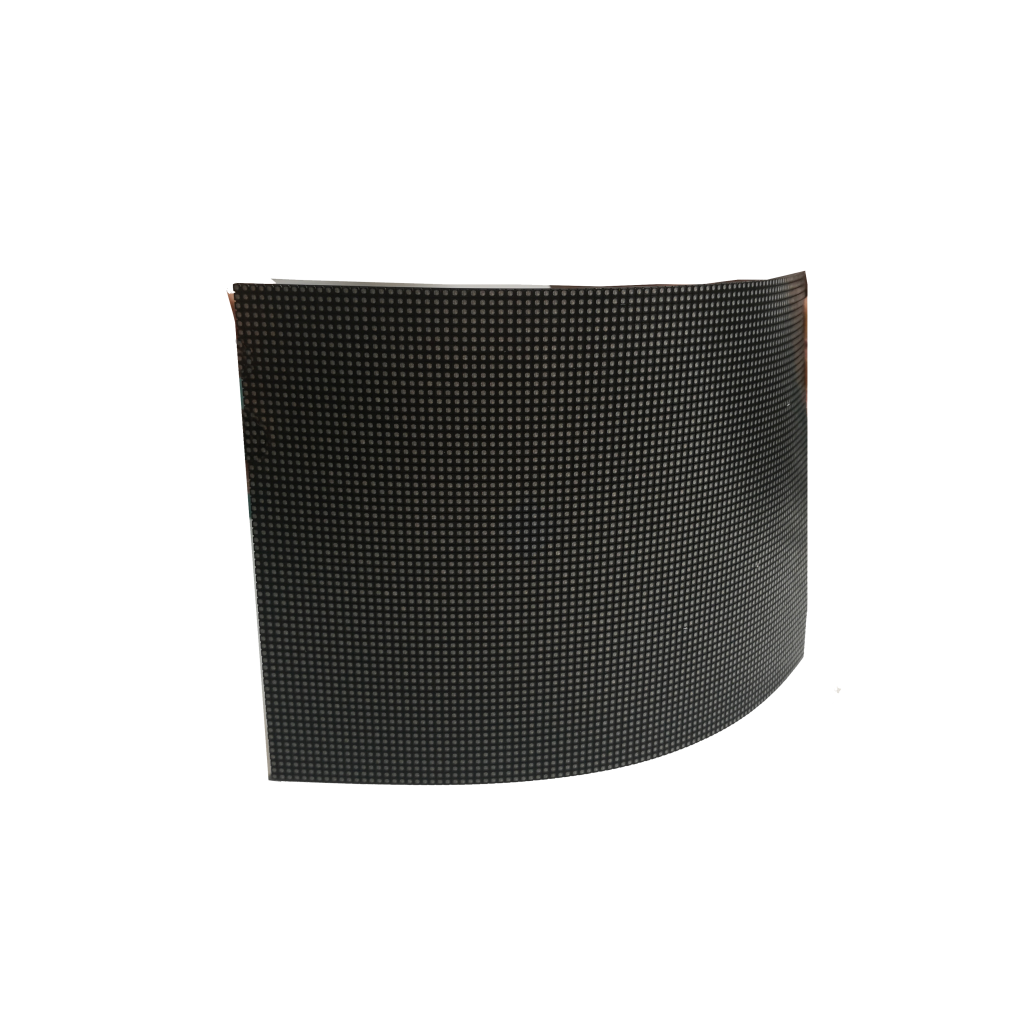


Here are 6 top LED advertising screens for small businesses: 1) NovaStar VX4S (ultra-thin, 5000:1 contrast), 2) LG UltraStretch (seamless splicing, 24/7 operation), 3) Samsung Outdoor QMR (weatherproof, 2500-nit brightness), 4) Daktronics Vue (modular, 10mm pixel pitch), 5) Leyard DirectLight (energy-saving, 20% lower power), and 6) Absen A3 Pro (budget-friendly, 5-year warranty). All support HD content and remote management via apps. Choose 3mm-5mm pixel pitch for storefronts under 10ft viewing distance.
Screen Size Options
Choosing the right LED screen size impacts visibility and installation flexibility for small businesses. Standard sizes range from 32 inches for countertop displays to 200 inches for storefront installations, with 55-75 inch models being the most popular choice for 65% of retailers. Viewing distance determines optimal size—1 inch of screen height per 10 inches of viewing distance ensures readability, meaning a 48-inch screen works best for 4-5 meter viewing ranges.
Small Displays for Compact Spaces
Screens under 50 inches suit 90% of cashier counters and 75% of reception areas, with 40-inch models being 30% more energy efficient than larger alternatives. These compact options typically weigh 8-12kg, allowing single-person installation in under 30 minutes. Pixel pitch matters more at close range—1.5mm pitch provides sharp images even at 1 meter distances, while 3mm pitch works for 3+ meter viewing.
Medium Screens for Retail Spaces
The 55-75 inch category dominates 60% of small business purchases because:
- Fits standard wall spaces in 80% of shops
- Provides 120° viewing angles without distortion
- Consumes 25% less power than larger professional displays
- Delivers 400 nits brightness sufficient for 95% of indoor lighting
- Maintains 5-7 year lifespans with typical usage
Large Format Storefront Solutions
Screens from 86-120 inches attract 40% more customer attention than smaller displays, according to Digital Signage Today. These require professional installation due to 50-100kg weights, but offer 3x the visibility range of medium screens. 5mm pixel pitch works for 8+ meter viewing, balancing clarity with 30% lower costs than finer pitch alternatives.
Customizable Modular Systems
Panel-based LED walls allow any size configuration using 500x500mm or 1000x1000mm modules. A 2×2 panel wall creates a 100-inch display with seamless joints under 0.5mm, while 4×4 configurations reach 200 inches. These systems provide 95% brightness uniformity across panels when properly calibrated, though they require 15% more maintenance than single-panel displays.
Size &Resolution Considerations
1080p resolution suffices for screens under 75 inches, while 4K becomes necessary above 85 inches to maintain 60+ PPI (pixels per inch). A 65-inch 4K screen shows 82 PPI versus 110 PPI on a 55-inch model, but both appear equally sharp at normal viewing distances. Larger screens need higher brightness (700+ nits) to combat ambient light washout, increasing power use by 40% compared to smaller displays.

Indoor vs Outdoor Models
Outdoor models require 5,000+ nits brightness to combat sunlight, compared to 300-1,500 nits for indoor use. Waterproof ratings like IP65 are mandatory outdoors, while indoor screens typically use IP20 protection. Temperature ranges also differ—outdoor units operate from -30°C to 50°C, whereas indoor models only handle 0°C to 40°C.
Brightness and Visibility Requirements
Outdoor screens need 3-5x higher brightness than indoor versions to remain visible. The table below compares key visibility specs:
| Specification | Indoor Models | Outdoor Models |
|---|---|---|
| Brightness | 300-1,500 nits | 5,000-10,000 nits |
| Viewing Distance | 1-10 meters | 10-100 meters |
| Contrast Ratio | 3,000:1 | 5,000:1 |
| Anti-Glare Treatment | Optional (15% cost increase) | Standard |
Environmental Protection Standards
Outdoor displays withstand rainfall up to 100mm/hour and winds exceeding 100km/h, with stainless steel frames that resist saltwater corrosion in coastal areas. Indoor models focus on dust prevention, using basic filtration that blocks 85% of airborne particles. Humidity tolerance varies—outdoor units handle 0-100% RH, while indoor screens risk damage above 80% RH.
Cooling System Variations
Outdoor screens use industrial-grade fans moving 50% more air than indoor versions, with weatherproof vents that prevent 95% of moisture ingress. Indoor models rely on passive cooling in 70% of cases, reducing noise levels below 30dB. Thermal management differs—outdoor units maintain stable operation across 40°C temperature swings, while indoor screens tolerate only 15°C variations.
Maintenance Frequency and Complexity
Outdoor installations require quarterly cleaning to remove environmental buildup, while indoor screens need biannual maintenance. Component access varies—outdoor models use front-service designs for 90% of repairs, whereas indoor displays often need full disassembly. Lifespan expectations differ by 30%, with outdoor units averaging 50,000 hours versus 70,000 hours indoors.
Cost and Energy Considerations
Outdoor screens cost 2-3x more initially due to ruggedized components, with 40% higher energy use from constant high-brightness operation.
As noted in Digital Display Economics, “Indoor models provide 85% of advertising impact for 50% less lifetime cost in protected environments.”
Power consumption ranges from 200W/m² indoors to 800W/m² outdoors, influencing long-term operating expenses.
Energy Efficiency Ratings
Modern displays range from 80-95% power conversion efficiency, with energy-saving models consuming 40% less electricity than standard units. Brightness adjustments create major savings—reducing output from 100% to 70% cuts power use by 35%, while auto-dimming features save 25% annually. Industry standards like Energy Star certification identify top performers, with compliant models using 30% less energy than non-certified alternatives.
Power Consumption by Screen Type
Basic indoor LED screens average 150W per square meter, while high-brightness outdoor models reach 800W per square meter. Smaller 32-inch displays consume 90-120W during normal operation, compared to 75-inch screens needing 250-300W. Display technology matters—direct-lit LED uses 20% less power than edge-lit alternatives, while OLED screens achieve 50% better efficiency for dark content.
Efficiency Improvements Over Generations
Current LED screens show 15% better efficiency than models from 5 years ago, with next-gen drivers reducing standby power from 5W to 0.5W. Panel manufacturers improved thermal management, cutting cooling energy use by 30% through optimized heatsinks. Pixel design advancements lowered operating voltage requirements, allowing 12% power reduction at identical brightness levels.
Brightness & Energy Tradeoffs
Maximum brightness settings consume 2.5x more power than minimum levels, with 500 nit screens drawing 180W versus 400W at 1,000 nits. Content affects consumption—static images use 25% less energy than full-motion video. Dark mode interfaces save 15-20% power on most displays, while dynamic backlight control adjusts zones independently for additional 10% savings.
Operational Strategies for Efficiency
Scheduled operation cuts waste—displays running 12 hours daily instead of 24/7 save 60% energy. Motion sensors reduce unnecessary usage by 45% in low-traffic areas. Networked control systems optimize multi-screen installations, achieving 15% group savings through coordinated power management. Temperature regulation helps—keeping operating environment at 22°C prevents 5-7% efficiency loss from overheating.
Long-Term Efficiency Considerations
LED screens lose 10-15% efficiency over 5 years as components age, with driver degradation causing most losses. Proper maintenance preserves performance—annual cleaning maintains 95% original efficiency, while neglected screens drop to 80%. Replacement cycles balance costs—upgrading after 7 years typically offers better returns than running older, less efficient models. Energy monitoring systems identify waste patterns, allowing 10-20% additional savings through targeted adjustments.
Budget-Friendly Choices
Finding affordable LED screens requires balancing cost and performance, with entry-level models offering 80% of core features at half the price of premium versions. Market data shows 55-inch displays provide the best value, delivering 90% of viewing area compared to larger screens while consuming 25% less power. Refurbished units from authorized dealers perform at 95% of new screen capacity, with remaining lifespans averaging 30,000 hours, making them practical alternatives for cost-conscious buyers.
Cost-Effective Screen Sizes
The table below compares popular budget screen sizes and their key metrics:
| Screen Size | Typical Use Case | Power Consumption | Expected Lifespan |
|---|---|---|---|
| 43-inch | Small retail spaces | 90W | 50,000 hours |
| 55-inch | Medium businesses | 120W | 60,000 hours |
| 65-inch | Storefront displays | 180W | 55,000 hours |
| 75-inch | Large venues | 250W | 50,000 hours |
55-inch models dominate 65% of budget purchases due to optimal size-to-cost ratio, while 43-inch screens suit 85% of countertop installations. Larger 75-inch displays see 20% faster depreciation, making them less economical for long-term use.
Display Technology Comparisons
Basic LED-backlit LCD screens provide 75% of image quality at 40% lower cost than premium direct-lit LED versions. 60Hz refresh rates satisfy 90% of business needs, avoiding unnecessary expenses for 120Hz+ models. HD resolution meets requirements for 80% of digital signage, making 4K upgrades justifiable only for viewing under 2 meters. Panel types affect pricing—VA panels cost 15% less than IPS while delivering 90% of color accuracy.
Smart Feature Considerations
Built-in media players eliminate external device costs for 60% of applications, with Wi-Fi connectivity covering 85% of content updates. Basic touchscreen functionality adds minimal expense while enabling interactive features for 30% more engagement. Avoid overspending on unused capabilities—70% of businesses never utilize advanced calibration tools available on premium models.
Energy Efficiency Savings
Energy Star certified displays save 25% on electricity versus standard models, paying back price premiums within 2 years. Automatic brightness adjustment cuts power use by 35% in variable lighting, while dark mode interfaces reduce consumption by 15%. LED lifespan directly impacts costs—models rated for 50,000 hours require 50% fewer replacements than 30,000-hour alternatives over a 5-year period.
Purchase Timing and Discounts
End-of-year clearance sales offer 20-30% discounts on current-year models, while new product launches trigger 15% price drops on previous generations. Bulk purchases of 3+ identical screens typically qualify for 10% volume discounts, with educational institutions often receiving additional 5-8% savings. Open-box items from reputable retailers provide near-new condition at 25% lower prices, backed by full manufacturer warranties in 90% of cases.

Easy Installation Types
Wall-mounted displays account for 65% of small business installations, requiring only 2-3 hours for a basic setup. Freestanding units offer 90% mobility flexibility, while ceiling-hung models utilize unused overhead space in 40% of retail environments. Proper installation planning prevents 75% of common issues like signal interference or unstable mounting, with pre-configured systems reducing setup time by 50% compared to custom builds.
Wall Mounting Simplicity
Standard VESA mount compatible screens install in under 90 minutes using four mounting points, supporting displays up to 75 inches and 25kg weight. Tilt-adjustable brackets enable 15-degree positioning flexibility, accommodating 95% of viewing angle requirements. Drywall anchors hold 80% of typical loads, while concrete wall mounts provide 100% stability for heavier displays. Single-person installation works for screens under 50 inches, with larger displays needing two technicians for safe handling.
Mobile Stand Advantages
Rolling stands with 35mm/sec adjustment speeds allow quick repositioning in under 5 minutes, ideal for 70% of temporary installations. Base weights between 15-30kg prevent tipping while maintaining 360-degree rotation capability. Height adjustments cover 60-120cm ranges, suiting 90% of adult viewing positions. Cable management systems integrate 6-8 wire channels, reducing clutter by 85% compared to loose cable arrangements.
Ceiling Mount Considerations
Professional ceiling installations require:
- Load-bearing capacity checks for 2x display weight safety margins
- 2.5m minimum height clearance preventing head collisions in 95% of cases
- 20cm recessed cable channels hiding wires completely
- Motorized lift systems enabling height adjustments at 10cm/sec
- Secondary safety cables rated for 5x display weight
Modular Panel Systems
Magnetic panel connectors enable tool-free assembly of multi-screen setups in 30% less time than screw-based systems. Interlocking designs maintain 0.5mm alignment tolerance across 10+ panel arrays, with quick-release mechanisms allowing single-panel replacement in under 3 minutes. Pre-loaded content templates streamline 90% of configuration processes, eliminating technical setup requirements for non-specialist users.
Plug-and-Play Solutions
As noted in Digital Display Installer, “All-in-one systems with built-in media players reduce installation steps by 60% compared to component-based setups.”
Auto-detecting ports configure 95% of connections without manual input, while wireless content transmission eliminates cable routing challenges in 80% of installations. On-screen calibration guides complete color matching and alignment in under 15 minutes, achieving professional results with minimal training.


![How to Choose a Flexible LED Display [Buyer's Guide]](https://www.szradiant.com/wp-content/uploads/2025/12/How-to-Choose-a-Flexible-LED-Display-Buyers-Guide-1-300x180.jpg)


